
The MyDataHelps app is your gateway to a range of tools that support your health, wellness, and participation in health research projects. This guide will walk you through some of the main features available on the app and how to explore them.
Explore the Discover Page
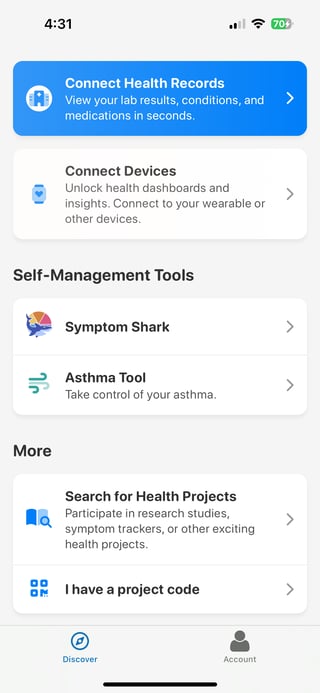
When you create an account and log in to the MyDataHelps app, you should automatically land on the Discover page. If not, simply tap the "Discover" icon at the bottom of the screen to access it.
The Discover page shows all the tools and features available to you such as connecting your health records, linking wearable devices, joining research projects, and using self-management tools.
Connect Health Records
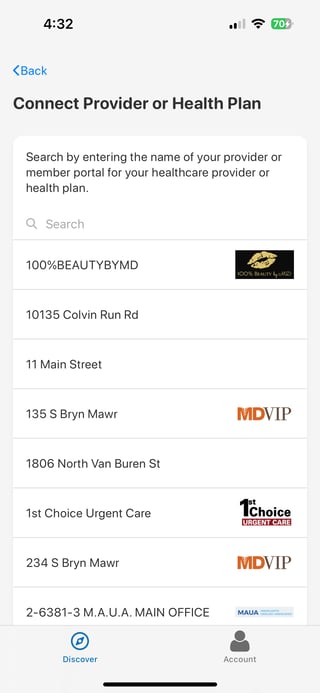
Tap "Connect Health Records" to link your health provider or health plan account. Once connected, you may be able to view your lab results, conditions, medications, and more all in one place.
Connect Devices
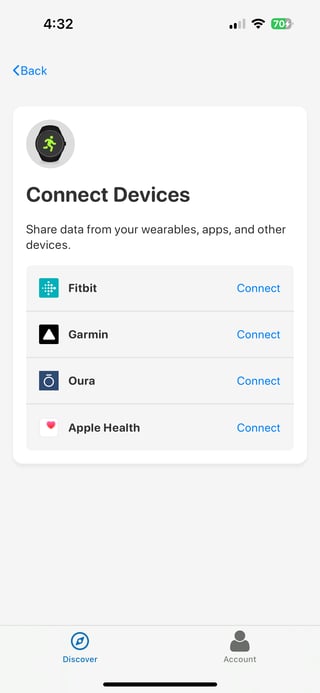
You can connect wearable devices and health apps like Fitbit, Garmin, and Apple Health.
These integrations allow MyDataHelps to receive your fitness, health, and wellness data from the apps or devices you already use. To learn more about connecting Fitbit and setting up your device, see Connecting your Fitbit to MyDataHelps.
Self-Management Tools
Under “Self Management Tools,” you’ll find optional tools you can join to support your daily health tracking and symptom monitoring:
-
Symptom Shark
A simple daily symptom tracker designed to help you monitor chronic conditions such as headaches, anxiety, depression, Long COVID, ME/CFS, and other ongoing health issues. Track your symptoms day by day in just a few taps.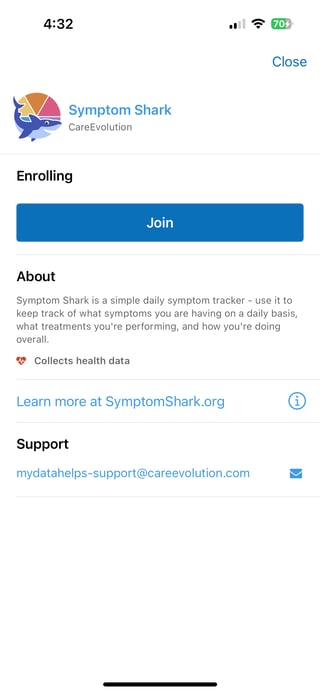
-
Asthma Tool
A tool to support asthma self-management by helping you monitor your baseline activity, sleep, heart rate, respiratory rate, and oxygen saturation over time.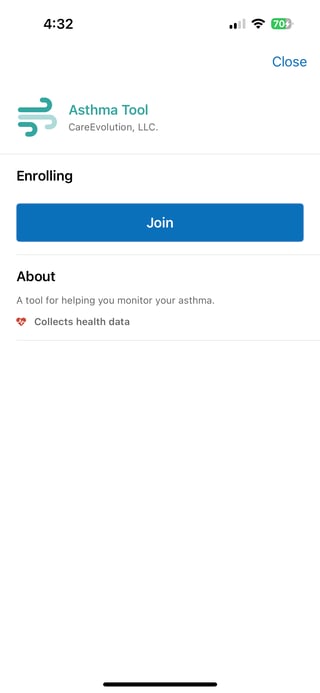
To use either tool, just tap on the one you're interested in, then tap "Join".
Join a Health Research Project
There are two ways to join a research study through MyDataHelps:
1. Search for Health Projects
- You can browse or search for available studies
-
Type in a project name or code
-
Scroll through a list of open projects
Note: Some studies may require a participant ID or invitation before joining.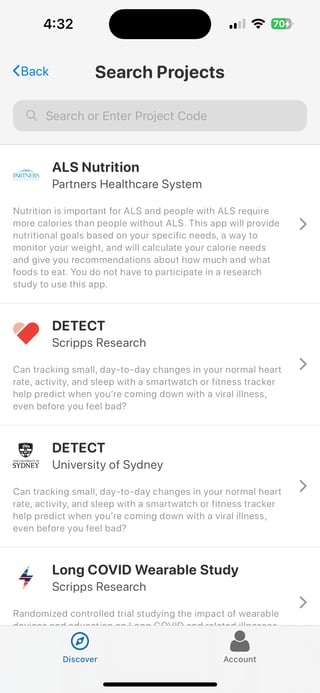
2. I have a project code
-
If you've received a project code (e.g., from a study website or study team), tap "I have a project code" to scan the QR code and join the study directly.