
If you would like to delete your MyDataHelps account, you can either do so directly through the app or by submitting an Account Deletion Request.
Note: Once deleted, your account cannot be recovered. Please refer to the MyDataHelps Privacy and Use Policy for further details.
To delete your account:
- Open the mobile app or login via web.
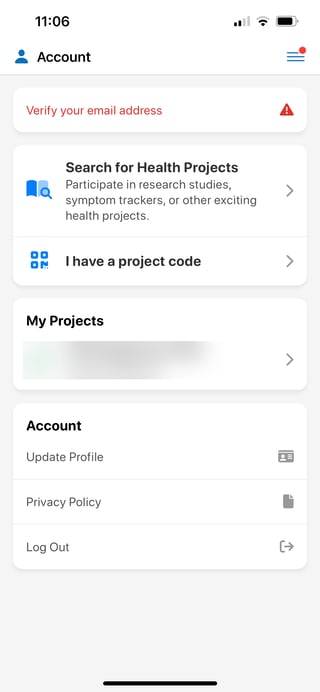
- Navigate to the Account page using the menu in the upper right corner.
- Click on "Update Profile".
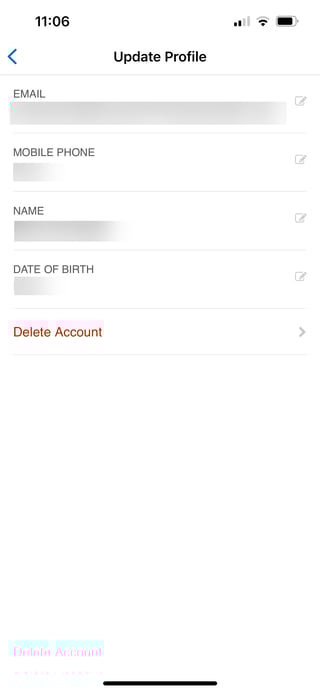
- Select "Delete Account".
- Click "Delete Account".
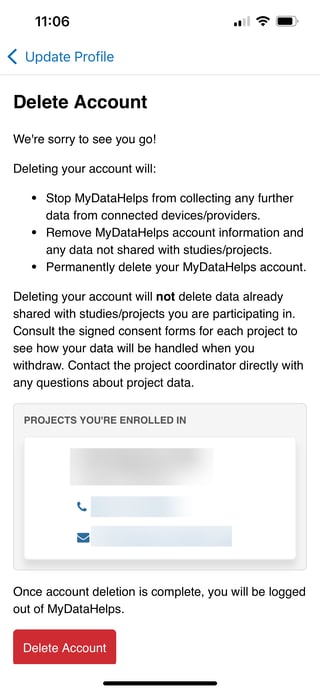
- Confirm account deletion.