
To create a MyDataHelps account:
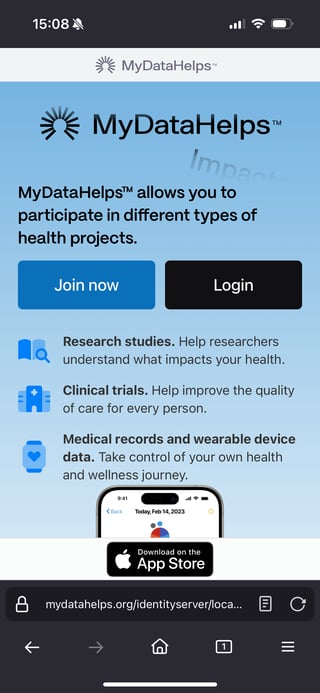
- You can visit https://mydatahelps.org/ and select "Join now".
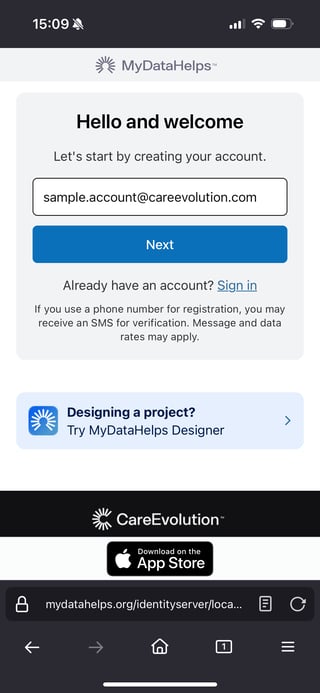
- When creating an account, you have the option to use an email address or a phone number. After entering one, click "Next".
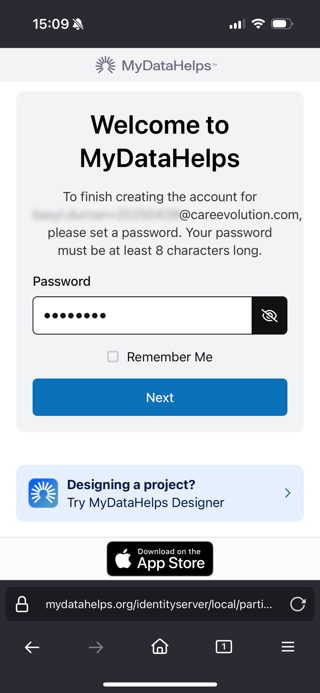
- Now you'll have to set a password. After entering one, click "Next".
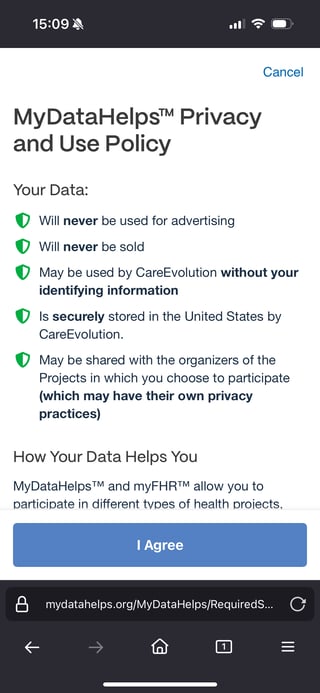
- After creating your account, you'll be asked to review the MyDataHelps Privacy and Use Policy. You'll have to agree in order to use and access MyDataHelps.
- Optionally, you can download the MyDataHelps app from the Apple App Store or Google Play Store. Some study projects may require you to download the app in order to fully participate.